A website that answers a parent’s first ten questions
A parent choosing care wants to know the price, the ages, the ratios, whether you’re licensed and whether there’s a spot. Say all of it, book the tour, and keep children’s faces and health details off the site.
The plan with the add-ons we’d suggest: $19 a month billed yearly ($23 month to month).
See it working
Each example is a made-up business on a real SiteBrite site. Open it, click through its pages on your phone, then try its editor.
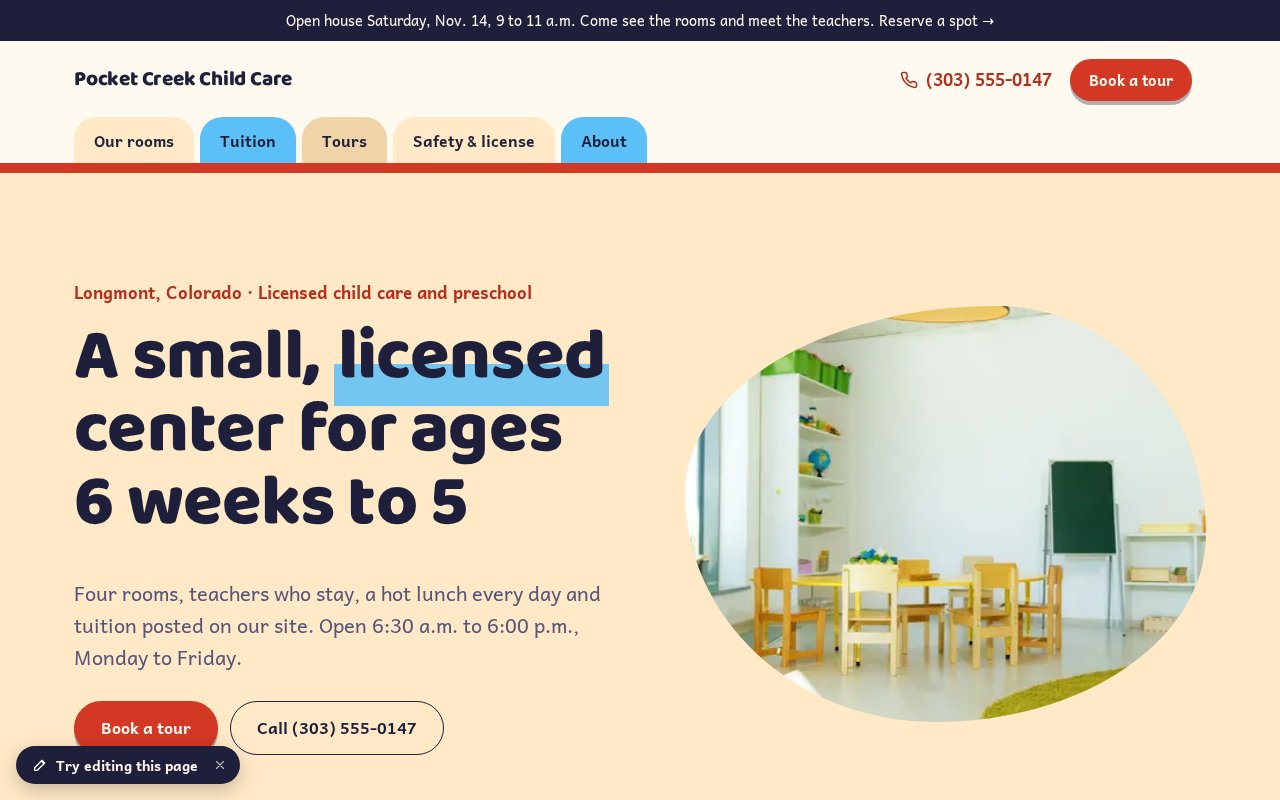
How a child care center uses it
Start with the plan alone and add what you need when you need it. Nothing here is a separate login.
Say the ages, the hours and the price
In the planThe ages in each room, your hours and closures, and tuition by room and days a week, with what it includes and what fees you charge. Parents compare by price, and few centers show one.
Post ratios as numbers, and your license
In the planOne adult to four infants, one to five toddlers. Your state license number and rating go on the page, with a link to the state’s own lookup. Say only what’s true and current.
Book tours and open houses online
Bookings & RSVPs · +$5/moA center tour and a short video tour as appointments in the windows you choose, asking only the child’s age, the days wanted and a start date. Open houses and info nights take RSVPs with a limited number of spots.
Run a waitlist and show this week’s openings
In the planA waitlist form asks for the child’s age, the days wanted and a start date, and nothing about health. A short note says which rooms have a spot and when. The form lands in your inbox with a reminder to follow up.
Have parents sign a photo release
Signed forms and waivers · +$2/moA release with a yes or no for the website, social media and print, signed on a phone with a PDF copy for each of you. It asks a child’s first name, never a birth date or health details. Show no identifiable child on the site until it’s signed.
Keep health details off the site
In the planOur terms say not to collect health information through the site. Tell parents where allergies and medication go: the enrollment packet you give them in person, not a form on the website.
Introduce your teachers
In the planA page for each teacher with their training and years with you. Parents look for the people before the building.
Keep families posted
Newsletter sending · +$4/moClosure dates, the winter break, a new opening, the open house. Parents who sign up go on your contacts list, and a short newsletter reaches them without a separate email service.
What it adds up to
The plan with the add-ons we’d suggest costs $19 a month billed yearly, or $23 month to month.
$19/mobilled yearly · $23 month to month
- Website plan$8
- Bookings & RSVPs$5
- Newsletter sending$4
- Signed forms and waivers$2
| Instead of | On its own | Here |
|---|---|---|
| Online booking | $10/mo Calendly Standard | $5/mo |
| Email newsletters | $13/mo Mailchimp Essentials, 500 contacts | $4/mo |
| Signed waivers and forms | $19/mo Smartwaiver Basic | $2/mo |
About $42 a month on their own, for one person, as listed in October 2026. Check each company’s site for current pricing.
Pictures, icons and tools in your colors
SiteBrite Studio is a free library of illustrations, icons and avatars that take on your brand colors, plus tools for signs, QR codes and more. They’re the same pictures your site uses, so a flyer or an Instagram post matches it.










What owners ask
See yours before you pay
We convert your current site for free, or build one from a few questions if you don’t have one.