Bookings
Let customers book you, day or night.
Appointments, classes and events, with reminders, deposits and a waiting list.
$5/moIncluded in Business
What your customers see
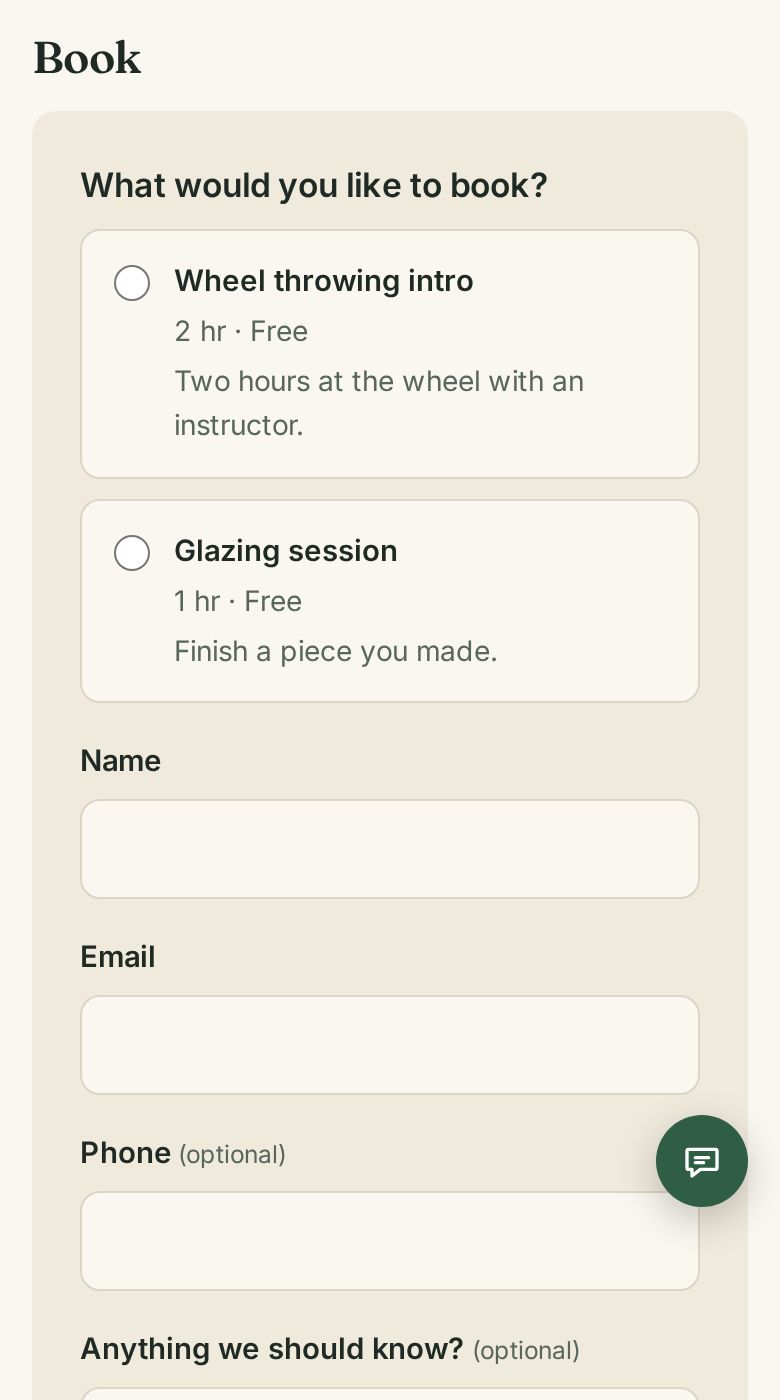
Nothing to install. Nothing to sign up for.
- Pick a day and a time that is really free
- Pay a deposit, if you ask for one
- A reminder email before the visit
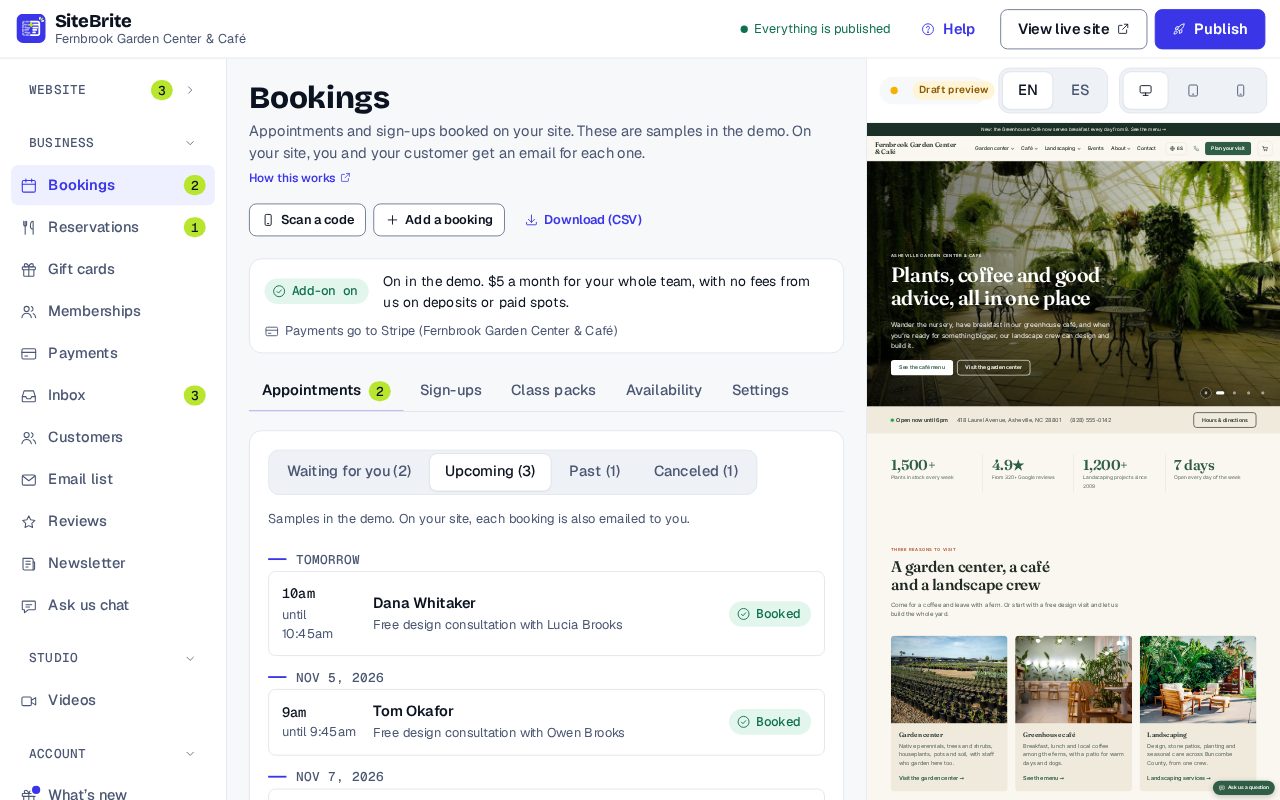
What you see
Simple to run, every day
- See today’s bookings at a glance
- Scan a booking or pack code at the door
- Block out busy times from your calendar
How it works
From setup to your first customer
- Step 01
Add what customers can book, and your hours
- Step 02
Turn on deposits or a waiting list if you want them
- Step 03
Share your page, or paste the booking form onto your site
- Step 04
Customers book, and you both get an email
Details that matter
Nothing hidden
- Reminder emails go out before each booking.
- Optional deposits, paid into your own Stripe account.
- A waiting list fills a spot when someone cancels.
- Class packs: customers buy “5 workshops” once, then book each with their email.
- Blocks out busy times from Google, Outlook or iCloud.
- Check-in: the code is in the confirmation email. Scan it at the door.
Where it works
- On our page for your business
- Pasted onto your site Embed: Booking form and class packs
- Inside a website from us
What it replaces
The same job, for less
Calendly Standard$10/moEntry plan, checked October 2026
Bookings, from us$5/moAs an add-on, or included in Business
Price
$5 a month
Add it on its own to a website plan, or get it with the other tools in Business, from $16 a month billed yearly.
See all pricesQuestions
About Bookings
Yes. Deposits are optional and go straight into your own Stripe account. We take no cut.
No. You can paste the booking form onto the website you already have, or use it inside a website from us.
Yes, with a class pack. They buy it once, then use a class each time with just their email.