A website that gets you the call
A visitor has water on the floor or no heat. They want a number to tap, a sign that someone will come today, and a reason to trust a stranger in their house. Say who answers, what it costs and how to book.
The plan with the add-ons we’d suggest: $22 a month billed yearly ($26 month to month).
See it working
Each example is a made-up business on a real SiteBrite site. Open it, click through its pages on your phone, then try its editor.
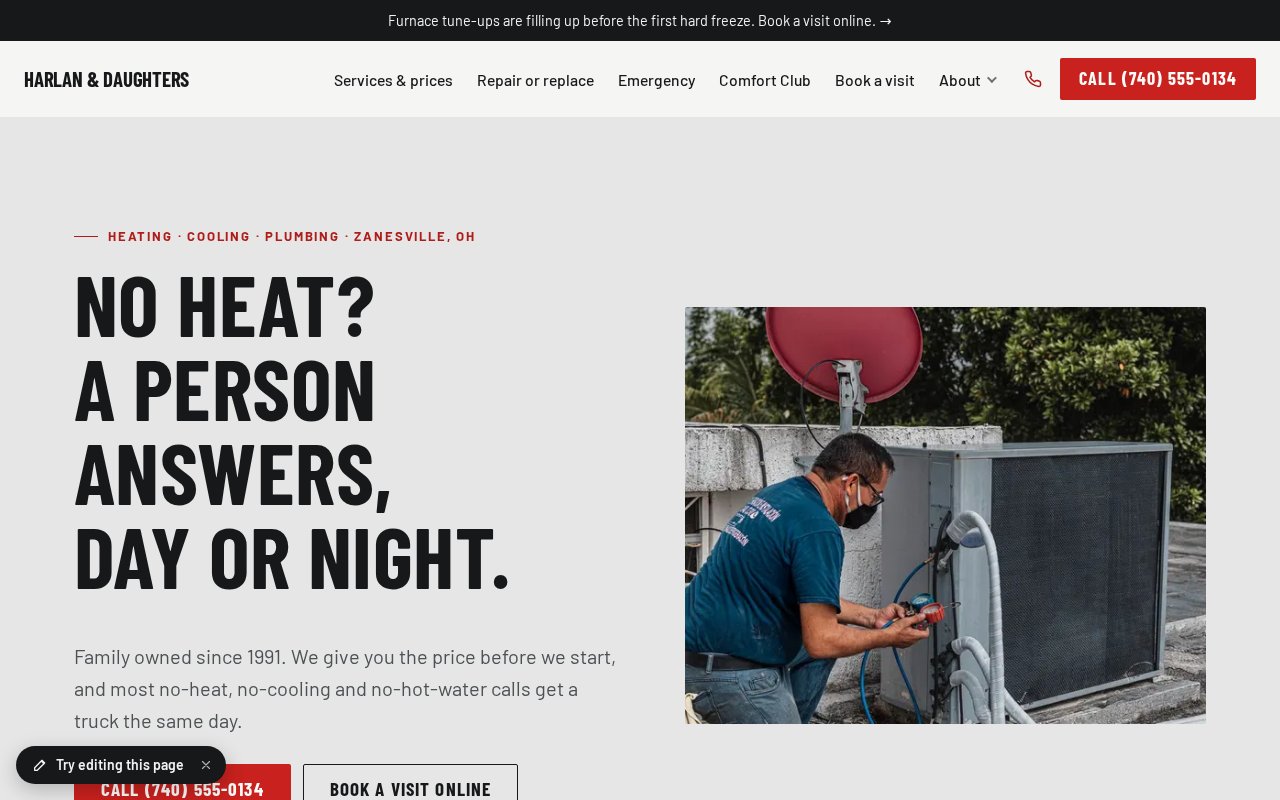
How a plumber or HVAC company uses it
Start with the plan alone and add what you need when you need it. Nothing here is a separate login.
Put the phone and who answers first
In the planA call bar keeps your number one tap away on every phone screen, and an alert bar at the top says whether a person picks up day or night. Hours say when the office is open and when the emergency line is.
Say what a call costs
In the planThe service call, whether it’s credited to the repair, the after-hours fee and a range for a new system. Almost no one in your trade shows a price, and people search for “how much does it cost to…” before they call.
Book the routine visits online
Bookings & RSVPs · +$5/moTune-ups, estimates and repair visits as appointments with a morning or afternoon arrival window, so the office isn’t on the phone all day. Emergencies stay a phone call, and the page says so.
Help them decide between repair and replace
In the planA short page on when to fix and when to replace, with the price ranges, how the system is sized and what financing looks like in the lender’s own words. It earns the call from the visitor who isn’t ready to phone yet.
Show your license, your area and your work
In the planYour license numbers go in the footer on every page, each town you serve can have its own page, and finished jobs show as projects with a photo and what you did.
Collect payment by a link
Payment requests · +$2/moSend a payment request for the invoice, and the customer pays by card on their phone, straight into your own Stripe account. It’s for bills you’ve already agreed on, not for selling equipment or plans.
Remind customers before the season turns
Newsletter sending · +$4/moFurnace tune-ups in October, air conditioner checks in April. Customers who sign up go on your contacts list, and a short newsletter reaches them without a separate email service.
Ask for the review the day the job is done
Review requests · +$3/moA friendly email goes out the next morning with one button to your Google review page. You see who clicked, and the best reviews can sit on your site.
Hire the next technician
In the planA job openings page with an application form, so a good tech or apprentice can find you without a job board.
What it adds up to
The plan with the add-ons we’d suggest costs $22 a month billed yearly, or $26 month to month.
$22/mobilled yearly · $26 month to month
- Website plan$8
- Bookings & RSVPs$5
- Newsletter sending$4
- Review requests$3
- Payment requests$2
| Instead of | On its own | Here |
|---|---|---|
| Online booking | $10/mo Calendly Standard | $5/mo |
| Email newsletters | $13/mo Mailchimp Essentials, 500 contacts | $4/mo |
| Asking customers for reviews | $75/mo NiceJob Reviews | $3/mo |
About $98 a month on their own, for one person, as listed in October 2026. Check each company’s site for current pricing.
Pictures, icons and tools in your colors
SiteBrite Studio is a free library of illustrations, icons and avatars that take on your brand colors, plus tools for signs, QR codes and more. They’re the same pictures your site uses, so a flyer or an Instagram post matches it.










What owners ask
See yours before you pay
We convert your current site for free, or build one from a few questions if you don’t have one.