Memberships
Customers pay you every month or year.
Sell plans like “Unlimited classes” or “Comfort Club”: customers join with a card and can cancel online anytime.
$10/moSeparate add-on
What your customers see
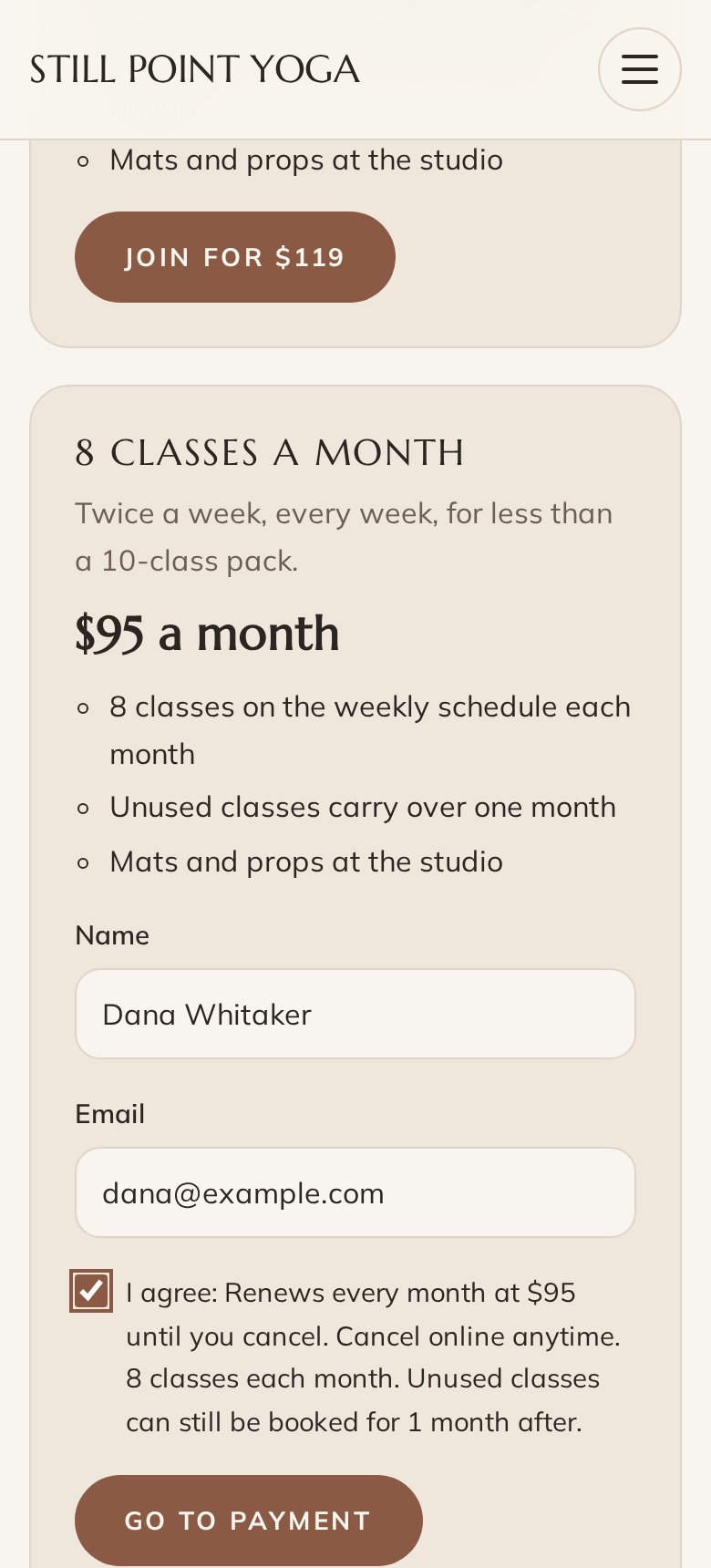
Nothing to install. Nothing to sign up for.
- The price, what’s included and the terms, before the card
- A page of their own to update the card or cancel
- A check-in code for the door
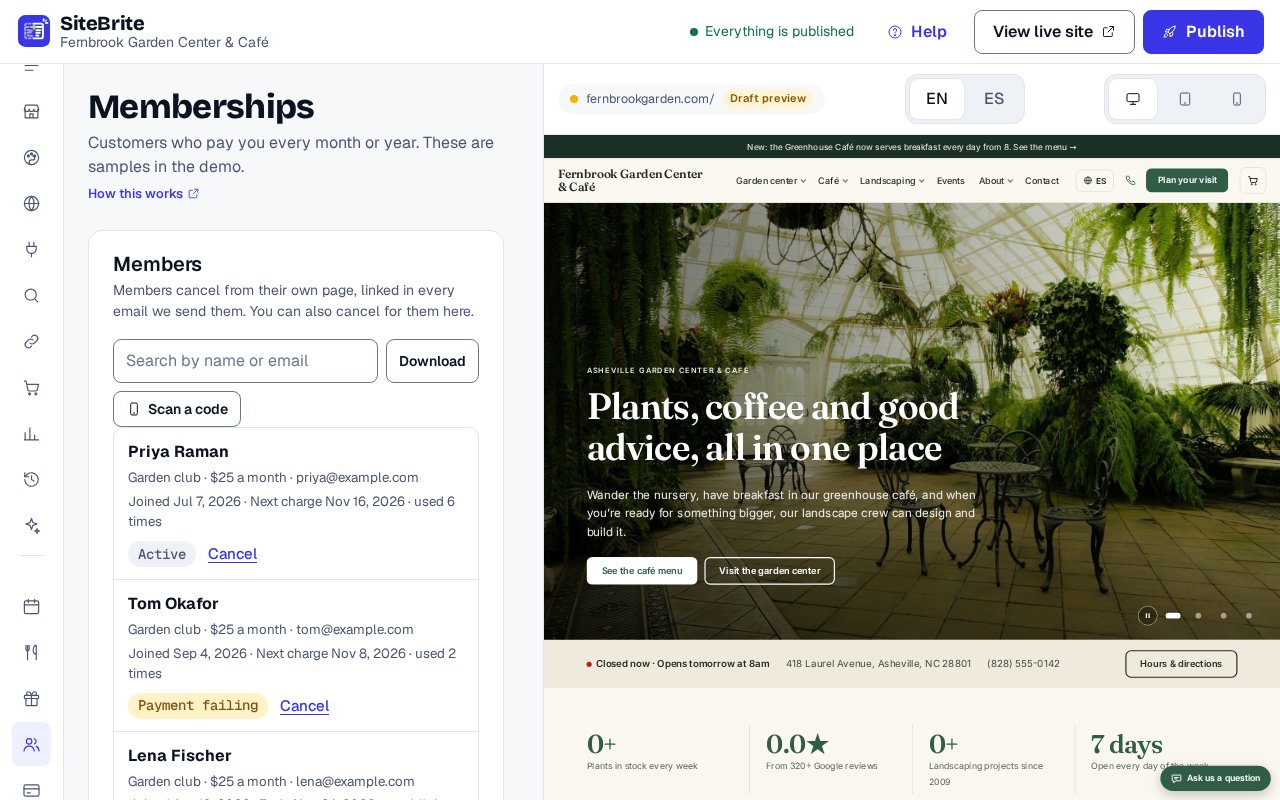
What you see
Simple to run, every day
- Who’s a member, their status and next charge
- Add someone who pays cash at the desk
- Unlimited classes, or a number each month
How it works
From setup to your first customer

- Step 01
Connect your Stripe account
- Step 02
Write your plans: the price, how often, and what’s included
- Step 03
Add the join button to your page or website
- Step 04
Members pay every month or year, straight into your Stripe
Details that matter
Nothing hidden
- We write the terms beside the price: that it renews, and that members can cancel online anytime.
- Plans can include unlimited classes, or a number each month that members book on your site.
- Members show a code at the door, and you scan it on a phone.
- A failed card is tried again, and members update it themselves.
- A member keeps the price they joined at when you change it for new members.
- Add someone who pays another way, with a page of their own to cancel too.
Where it works
- On our page for your business
- Pasted onto your site Embed: Memberships
- Inside a website from us
Questions
About Memberships
No to both. Memberships is a separate add-on, $10 a month. Members can join on your own page, on a website you already have with the join button pasted onto it, or on a website from us.
No. Members pay into your own Stripe account. Stripe’s card and billing fees are Stripe’s.
No. Memberships sell a plan and handle the billing, the canceling and the door. They don’t hide anything on your website.